Working with Catalogs and Product Sets
Last updated: April 18, 2026
Catalogs are structured product feeds that power Dynamic Product Ads (DPA) on Meta. This guide covers how catalogs and product sets work inside Wevion, and how to link pixels for conversion tracking.
Prerequisites
Before working with catalogs in Wevion, make sure you have:
An active Wevion account with at least one Meta account connected Connecting Your Meta (Facebook) Account
One or more catalogs already created and populated in your Meta Business Manager (Wevion syncs existing catalogs — it does not create new ones)
Appropriate permissions on the Business Manager that owns the catalog (either Full or Advertise access)
A subscription plan that supports the number of catalogs you need (see Plan Limits below)
How It Works
Catalogs live in Meta Business Manager. Wevion automatically syncs them when you connect a Meta account or trigger a manual sync. Both owned and client catalogs are imported (owned takes precedence if duplicated). You then connect the catalogs you want to use and optionally link pixels for event tracking.
Syncing Your Meta Assets — How It Works
What You Can See
Catalog List
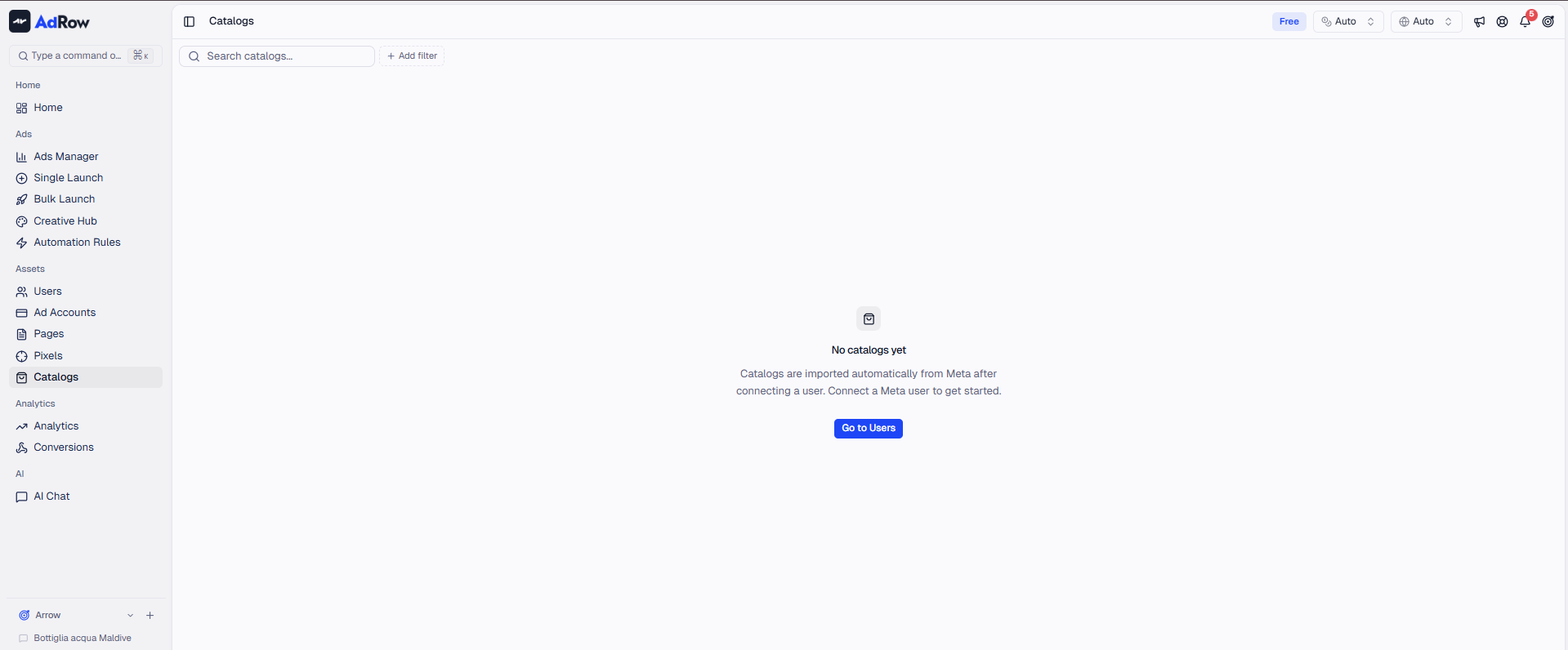
Navigate to Catalogs from the sidebar under Assets.
FieldDescription | |
Catalog Name | Name from Meta Business Manager |
Business Name | Owning or sharing Business Manager |
Type | Vertical: Commerce, Flights, Hotels, Vehicles, Destinations, or Home Listings |
Products | Total product count |
Connection | Connected or Disconnected |
Created | Date first synced into Wevion |
Summary badges show total catalogs, connected catalogs, and total product count. Owners/admins see a Member column for team visibility. Filter by connection status or vertical type.
Product Sets
Click a catalog to view its product sets -- subsets defined by filter rules in Meta (e.g., "all shoes under $50"). Each set shows its name and product count. Data is fetched in real time from Meta's API. Connected pixels are shown as a summary badge.
Products Within a Set
Click a product set to browse individual products showing: Name, Image, Price/Sale Price, Availability, Brand, Category, SKU, and Custom Labels (up to 5). Products are paginated with auto-loading.
Pixel Linking
Connect Meta Pixels as external event sources to enable dynamic retargeting. Meta matches website events (ViewContent, AddToCart, Purchase) to catalog products. Use the Connect Pixel action from the catalogs list.
Step-by-Step Guide
Syncing Catalogs
Go to Catalogs under Assets and click Sync catalogs.
Wait for completion. All catalogs from connected Business Managers appear in the list.
Connecting a Catalog
Only connected catalogs are available for campaigns. Select catalogs and click Connect. To disconnect, select and click Disconnect (marks as inactive, does not remove).
Browsing Product Sets
Click a catalog name to see its product sets. Click a set to browse products. Use breadcrumb navigation to go back.
Connecting a Pixel
Select connected catalogs and click Connect pixel.
Choose a pixel from the dialog and confirm.
Important: The pixel must be on the same website as your product pages. Setting Up Pixels
Sharing Permissions
Select connected catalogs, click Share permissions, choose users, and set permission level (Full or Advertise only).
Plan Limits
Plan | Max Connected Catalogs |
Starter | 1 |
Pro | 10 |
Agency | Unlimited |
At the limit, new catalogs appear but cannot be connected until you upgrade or disconnect existing ones.
Frequently Asked Questions
Do I create catalogs inside Wevion? No. Catalogs are created in Meta Business Manager. Wevion syncs and displays them.
What happens if I update my product feed? Product data is fetched in real time from Meta's API. Feed changes are reflected immediately without manual sync.
Why is my catalog not appearing? Verify: 1) The Meta account with catalog access is connected. 2) Sync has completed. 3) Your Meta user has Full or Advertise permissions. Connecting Your Meta (Facebook) Account
Can I use one catalog across multiple ad accounts? Yes. Catalogs are not tied to a specific ad account. The ad account's Business Manager just needs Advertise access.
Why connect a pixel to my catalog? It enables dynamic retargeting -- Meta matches pixel events (ViewContent, AddToCart) to catalog products for personalized ads.
What if my catalog sync fails? Existing data remains intact. Try syncing again, or reconnect if the token expired.