Creating Your Account and Starting the Free Trial
Last updated: April 18, 2026
Getting started with Wevion takes just a few minutes. This article walks you through every step from signing up to completing your onboarding checklist, so you can begin managing your Meta Ads campaigns as quickly as possible.
Prerequisites
A valid email address or a Google account.
Basic company information: company name, address, and VAT number (required during onboarding for invoicing purposes).
A web browser (Chrome, Firefox, Safari, or Edge).
No credit card is needed to start your 14-day free trial.
How It Works
You sign up using your email or Google account through a secure login provider (your password is never stored by Wevion). After creating your account, enter company details, pick a plan, and your 14-day free trial begins — no charges until the trial ends.
Step-by-Step Guide
Step 1: Sign Up
Visit wevion.ai and click the Register or Get Started button.
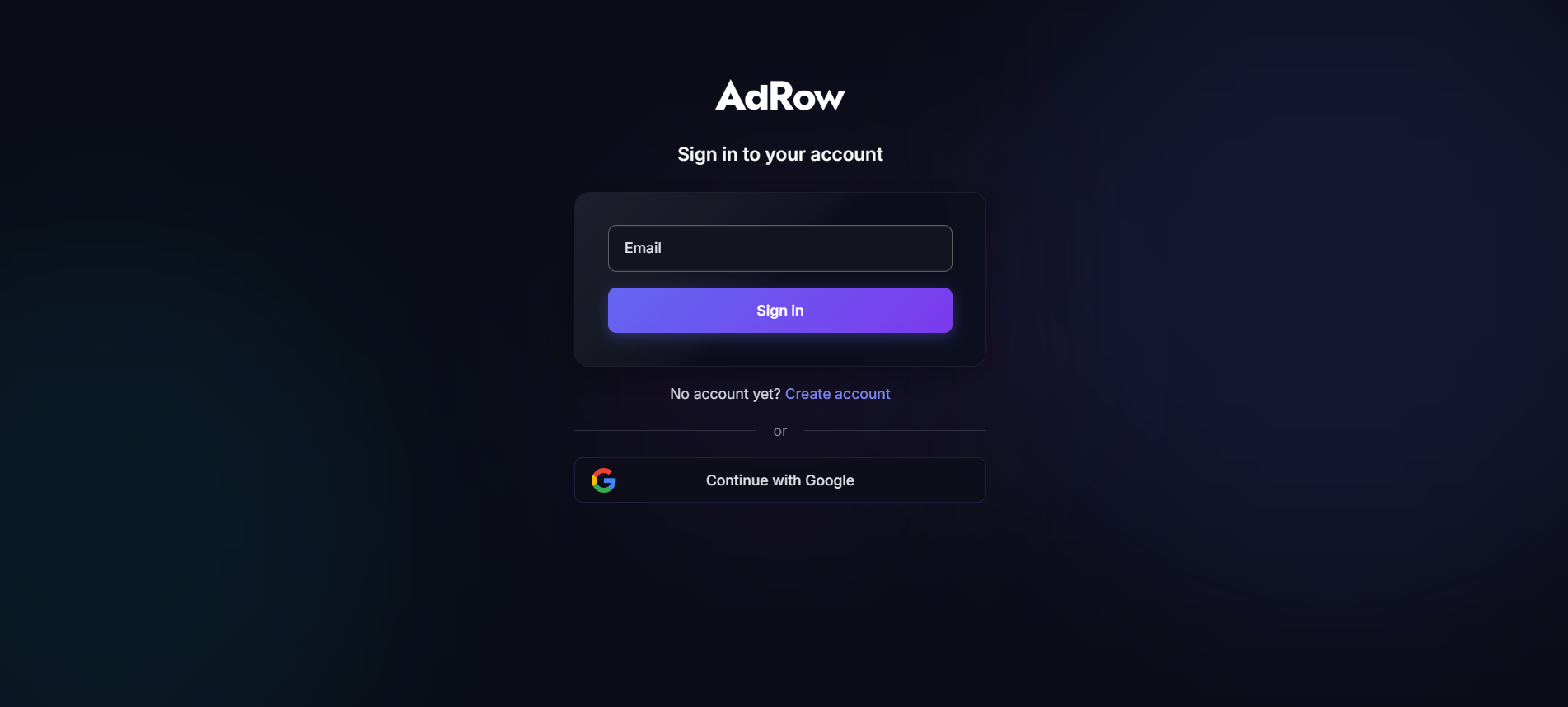
You will be redirected to the sign-up screen where you can create your account using:
Email and password — enter your email address and choose a password.
Google — click the Google button to sign up instantly with your Google account.
If you choose email, you may need to verify your email address before proceeding.
Once authenticated, Wevion creates your workspace and redirects you to the onboarding flow.
Tip: If you plan to invite team members later, use your work email rather than a personal one. This makes it easier for your team to identify the workspace owner.
Step 2: Enter Your Company Details
Company information is required for invoicing. Fill in the following fields (all required):
FieldDescription | |
Your Name | Your full name as it should appear in the workspace |
Team Name | A name for your workspace (e.g., your agency name or team name) |
Company Name | Your legal company name |
Company Address | Street address for invoicing |
City | City |
ZIP / Postal Code | Postal code |
Country | Select your country from the dropdown |
VAT Number | Your company VAT / Tax ID |
Accept the Terms of Service and Privacy Policy, then click Continue.
Step 3: Choose Your Plan
Three plans with a 14-day free trial. Toggle between Monthly and Annual billing (annual saves 20%).
StarterProAgency | |||
Monthly price | $79/mo | $199/mo | $499/mo |
Annual price | $758/yr (~$63/mo) | $1,910/yr (~$159/mo) | $4,790/yr (~$399/mo) |
Team members | 2 | 5 | 15 |
Ad accounts | 5 | 25 | Unlimited |
Fan pages | 5 | 25 | Unlimited |
Pixels | 5 | 25 | Unlimited |
Catalogs | 1 | 10 | Unlimited |
Ad spend cap | $25,000 | $100,000 | Unlimited |
Extra user cost | $19/mo per user | $15/mo per user | $12/mo per user |
Click Start Free Trial on your chosen plan. You can always upgrade later.
Step 4: Start Your Free Trial
You are redirected to Stripe's checkout. Enter your payment method (not charged during the 14-day trial), add any promotion code, and click Subscribe. Your trial starts immediately.
Step 5: Complete the Onboarding Checklist
The dashboard shows a Setup Checklist tracking your onboarding progress: Connect Meta Account, Sync Ad Accounts, Associate Assets, Upload Creatives, and Launch First Campaign. Click any step to navigate directly to the relevant page. Steps can be completed in any order.
Understanding the Free Trial
Duration: 14 days from Stripe checkout completion.
Full access: All features of your chosen plan, no limitations.
No charge until trial ends: Payment method collected but not charged for 14 days.
After trial: Automatic billing begins. Cancel anytime before to avoid charges.
One trial per account: Resubscribing after cancellation starts billing immediately.
Frequently Asked Questions
Do I need a credit card to start the trial? Yes. Stripe requires a valid payment method to set up the trial. However, you will not be charged until the 14-day trial period ends. You can cancel before that date to avoid any charges.
Can I change my plan during the trial? Yes. You can upgrade or downgrade your plan at any time. See Plans and Pricing — Choosing the Right Plan for a detailed comparison of all plans.
What happens if I do not add a payment method? You cannot start the trial without completing the Stripe checkout step. The payment method is required during signup, but no charge occurs until day 15.
Is my payment information secure? Absolutely. Wevion does not store your credit card details. All payment processing is handled by Stripe, a PCI Level 1 certified payment processor used by millions of businesses worldwide.
Can I use Wevion in my language? Yes. Wevion supports 19 languages including English, Italian, Spanish, French, German, Portuguese, Russian, Chinese, Korean, Japanese, Arabic, and more. You can change your preferred language from Settings at any time after logging in.
What if I need more team members than my plan allows? Every plan supports adding extra users beyond the base limit. Extra user pricing depends on your plan: $19/month per user on Starter, $15/month on Pro, and $12/month on Agency.
Can I try a higher plan and then downgrade? Yes. You can start your trial on any plan and switch before or after the trial ends. Keep in mind that downgrading may reduce your available resources (ad accounts, team members, etc.) to match the new plan's limits.
I signed up but never saw the plan selection page. What happened? This can happen if the page was closed before completing the Stripe checkout. Simply log in again at wevion.ai — you will be redirected to the onboarding flow to complete your plan selection.